VMEG lip sync: a cost-benefit guide, not a hype page

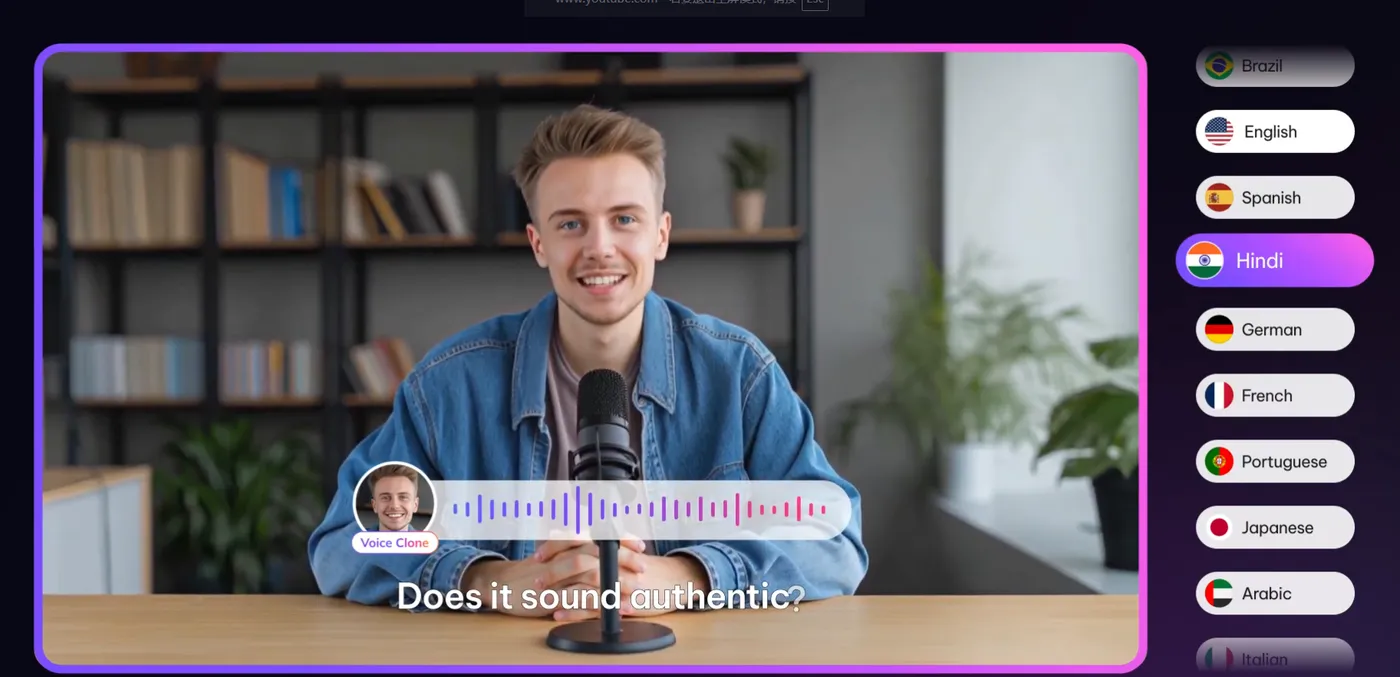
Decision first: enable VMEG lip sync only when faces fill the frame. It re-times mouth movement to match the translated audio and charges an extra 60 credits per minute — 120 total instead of 60, exactly doubling the bill. On a talking-head close-up the effect sells the illusion completely; on a wide shot or B-roll-heavy edit, nobody can see the difference you paid for. This page is the decision framework — costs, strong and weak cases, and the cheapest honest way to test it on your own footage.

The economics, concretely

Per the official FAQ, a 10-minute video into one language runs 600 credits without lip sync, 1,200 with — in dollars, roughly $17 versus $33 at the entry Studio rate of $25 for 900 credits. That single toggle is the difference between finishing inside your monthly allowance and buying the next tier. Multiply across languages and it compounds — which is why the smart default is selective: lip-sync the hero language where most viewers live, run standard dubbing everywhere else. Model any combination in thecredits calculator before rendering.

Where it shines, where it struggles

Strong cases

  • ✓ Presenter-style courses and webinars, camera-facing
  • ✓ Founder or spokesperson announcements
  • ✓ Ads where trust hinges on the face matching the words

Weak cases

  • ✗ Screen recordings and slide-driven tutorials
  • ✗ Fast-cut edits where a face holds for under 2 seconds
  • ✗ Profile-angle or distant framing — the retiming is invisible

How to test it for the minimum spend

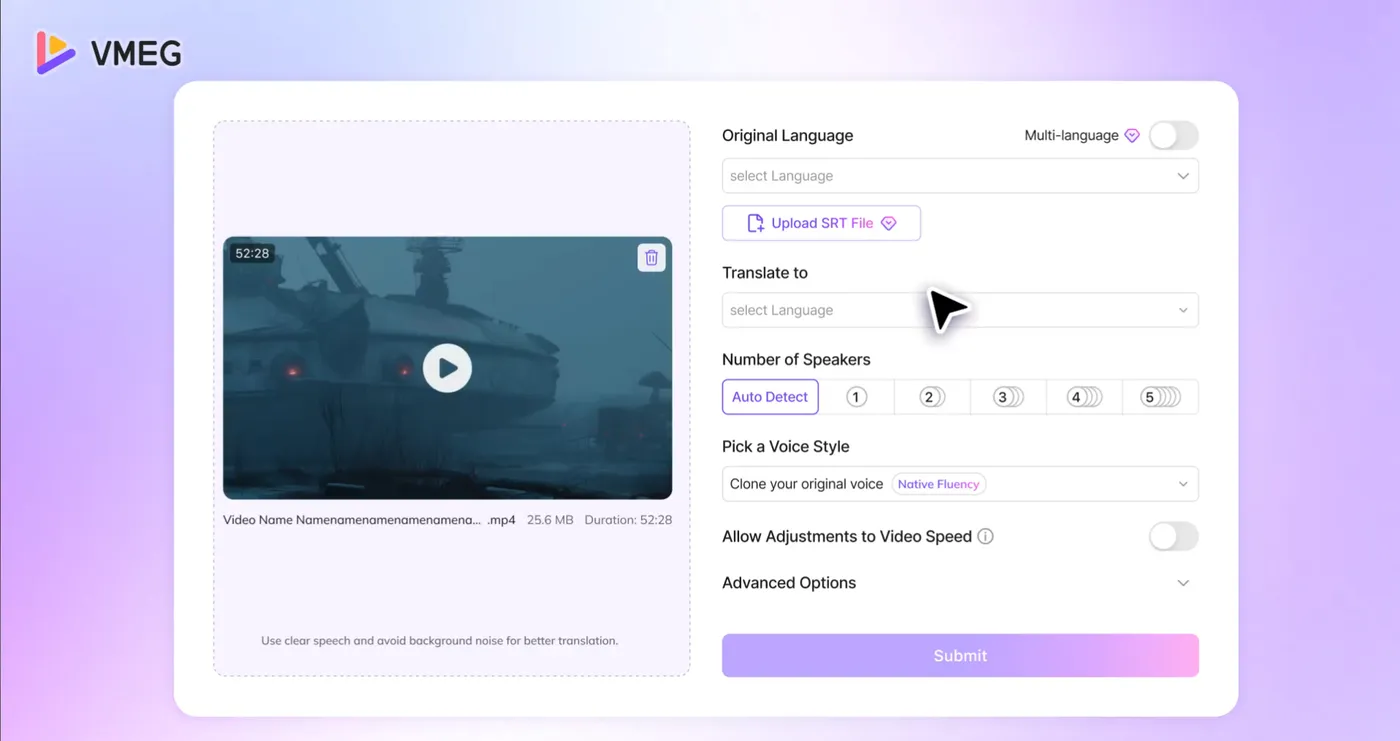
Cut a 60-second excerpt where the speaker faces camera, render it twice — once standard (60 credits), once with lip sync (120) — and show both to someone who speaks the target language. That 180-credit experiment answers the only question that matters: does the synced version feel native enough to change viewer trust? One practical note from the flow in the main tutorial: you can re-render the same project with the toggle flipped without re-uploading, so the A/B costs no duplicate setup time.

One caveat worth naming before you scale it up: sync quality tracks face angle. Straight to camera looks native; three-quarter profiles are good; true side profiles barely change, because there is little visible mouth to retime. If your footage lives mostly in profile — podcast-style side framing, for instance — save the extra credits and let standard dubbing carry it. The technology rewards exactly the framing where audiences stare at lips, which is conveniently also the framing where mismatched audio feels most wrong.

Run the 60-second A/B test(affiliate link, opens in a new tab)

No credit card · ~10 trial credits · web-based, nothing to install